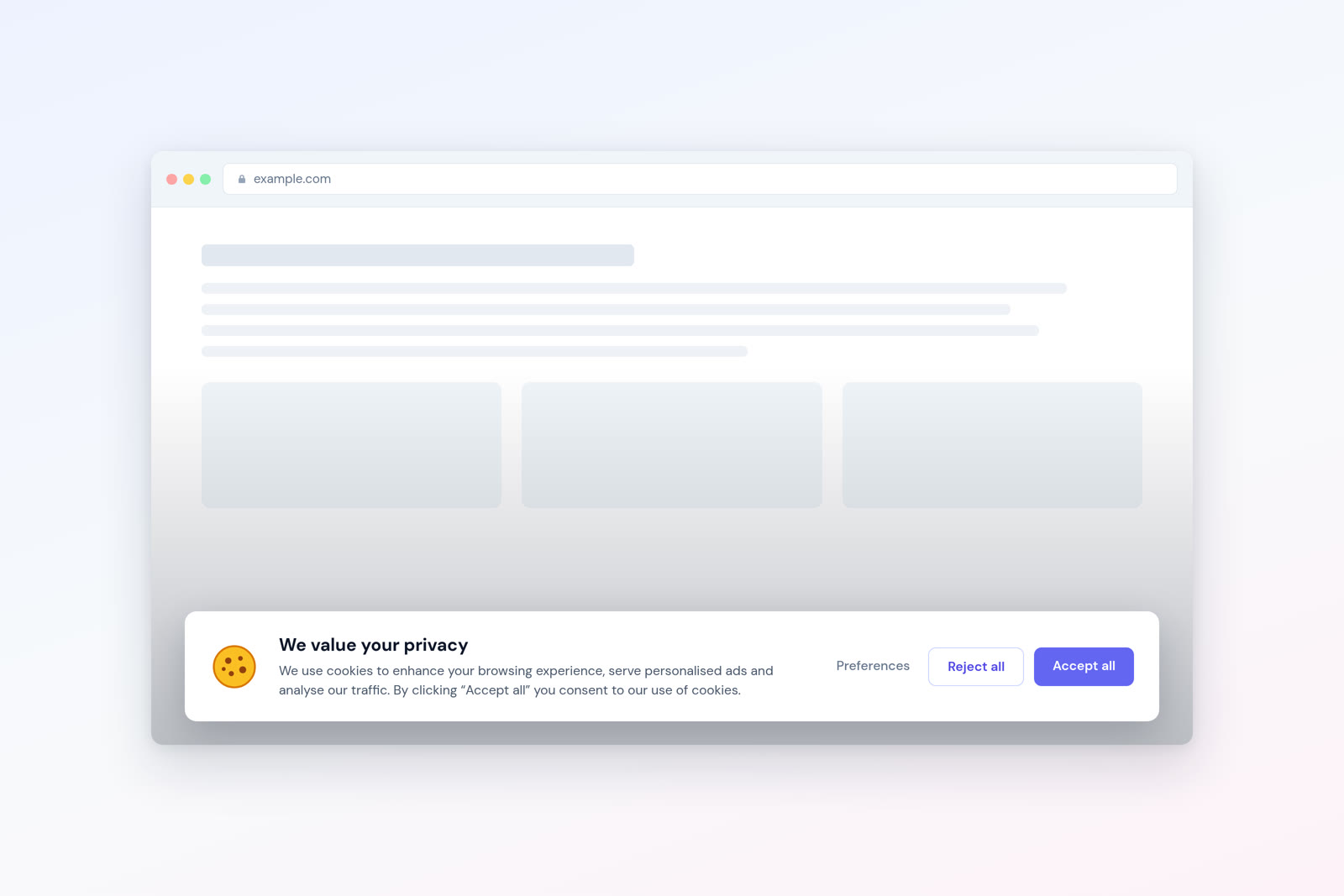
“Do I actually need one of those cookie consent popups?” It’s one of the most common questions I get from business owners — and the answer isn’t as straightforward as most articles make it seem.
The short answer: it depends on what your website does. Not every site needs a cookie banner. Some sites legally require one. Others can skip it entirely. And a growing number of websites are eliminating the need altogether by switching to tools that don’t use cookies in the first place.
In this guide, I’ll walk you through when a cookie banner is legally required, when you can safely go without one, and how the rise of privacy-first analytics is changing the equation for small and medium businesses.
What a Cookie Banner Actually Does
A cookie banner (also called a cookie consent notice or consent management platform) is a popup or bar that appears when someone visits your website. It informs visitors that your site uses cookies and asks for their permission to set non-essential ones.
The legal basis for this comes from two pieces of EU legislation:
The ePrivacy Directive (2002/58/EC) — often called the “Cookie Law” — requires consent before storing or accessing information on a user’s device. Cookies fall squarely under this rule.
The GDPR (General Data Protection Regulation) — sets the standard for what “valid consent” means: it must be freely given, specific, informed, and unambiguous. Pre-ticked boxes don’t count. Scrolling doesn’t count. Only an active, affirmative action qualifies.
Together, these regulations mean that if your website sets non-essential cookies, you need a banner that clearly explains what those cookies do and gives visitors a genuine choice to accept or reject them.
When You Definitely Need a Cookie Banner
You need a cookie consent mechanism if your website does any of the following:
- Uses analytics cookies that track visitors across sessions (traditional analytics tools)
- Runs advertising or retargeting pixels (Facebook Pixel, ad network scripts)
- Embeds third-party content that sets cookies (YouTube videos, social media widgets)
- Uses personalisation cookies that remember user preferences beyond the current session
- Integrates with marketing automation tools that use cookies for lead tracking
- Shares data with third parties via cookies for any purpose
If any of these apply, you need informed, prior consent from the visitor before those cookies are set. No exceptions under EU law.
And it’s not just the EU anymore. Similar requirements exist under Brazil’s LGPD, South Africa’s POPIA, and various US state privacy laws (California’s CCPA/CPRA, Virginia’s VCDPA, Colorado’s CPA). The global trend is clearly towards requiring consent for non-essential tracking.
When You Might Not Need a Cookie Banner
Here’s where it gets interesting. The ePrivacy Directive includes an exemption for cookies that are “strictly necessary” to provide a service the user has explicitly requested. This exemption covers:
Session cookies — temporary cookies that keep you logged in or maintain your shopping cart. These expire when you close the browser and are considered essential to the service.
Authentication cookies — cookies that remember that you’re logged in so you don’t have to re-enter your password on every page.
Security cookies — cookies used for fraud detection, bot protection, or CSRF (cross-site request forgery) prevention.
User preference cookies — cookies that remember a user’s language or accessibility settings, if explicitly chosen by the user.
If your website only uses strictly necessary cookies and no analytics or marketing cookies, you may not need a consent banner at all. You still need to disclose cookie usage in your privacy policy, but the active consent popup can be skipped.
The CNIL Exemption for Privacy-First Analytics
France’s data protection authority, CNIL, has established an important precedent. They’ve created a specific exemption for audience measurement tools that meet certain criteria. To qualify, the analytics tool must:
- Serve only to produce anonymous statistical data
- Not cross-reference data with other processing operations
- Not share data with third parties
- Track only aggregate metrics (not individual users)
- Limit cookie lifetime to 13 months (if cookies are used at all)
- Inform users via the privacy policy
Tools like Plausible and Matomo (when properly configured) have been specifically recognised under this exemption. Since tools like Plausible don’t use cookies at all, they go even further than the exemption requires.
While CNIL’s guidance is technically specific to France, many other EU data protection authorities follow similar logic. The Dutch DPA, for instance, has also acknowledged that cookieless analytics tools operating on aggregate data generally don’t require consent.
How Cookie-Free Analytics Changes Everything
This is the practical breakthrough for most business owners. If your only reason for having a cookie banner is your analytics tool, switching to cookie-free analytics could eliminate the need entirely.
Think about what that means:
No consent popup. Your visitors see your content immediately, without a barrier. First impressions improve. Bounce rates from consent fatigue disappear.
100% data capture. You’re no longer missing 30–60% of your analytics data because visitors declined cookies. Every visit is recorded. Your reports reflect reality.
Simpler compliance. No cookie consent management platform to maintain, no regular audits of consent rates, no risk of a misconfigured banner triggering a GDPR fine.
Lower costs. Cookie consent management platforms (CMPs) can cost $10–$200/month depending on traffic. Removing that expense while switching to a lightweight analytics tool often results in net savings.
A Step-by-Step Decision Flowchart
Use this decision process to work out whether you need a cookie banner:
Step 1: Audit your cookies. Open your site in Chrome, go to DevTools (F12) > Application > Cookies. List every cookie your site sets. Note which are first-party vs third-party.
Step 2: Classify each cookie. For each cookie, determine whether it’s strictly necessary (session, auth, security) or non-essential (analytics, marketing, personalisation).
Step 3: Check your analytics. Does your analytics tool set cookies? If so, can you switch to a cookieless alternative? Tools like Plausible, Fathom, and Umami are drop-in replacements for basic analytics needs.
Step 4: Check third-party embeds. Do you embed YouTube videos, Google Maps, social sharing buttons, or live chat widgets? These often set their own cookies. Consider privacy-friendly alternatives (like youtube-nocookie.com for embeds).
Step 5: Make the call.
| Your Situation | Do You Need a Banner? |
|---|---|
| Only strictly necessary cookies + cookie-free analytics | No — mention cookies in your privacy policy |
| Cookie-free analytics + third-party embeds that set cookies | Yes — for the third-party cookies |
| Traditional analytics with cookies | Yes — consent required before tracking begins |
| Advertising or retargeting pixels | Yes — always requires consent |
| No cookies at all (fully static site, no analytics) | No |
What About Non-EU Visitors?
If your audience is primarily outside the EU, the legal requirements differ. However, the trend globally is toward requiring consent:
United States: There’s no federal cookie consent law, but state-level regulations (CCPA/CPRA in California, VCDPA in Virginia) require disclosure and opt-out mechanisms for certain tracking. A cookie banner isn’t technically required, but providing one is considered best practice.
Australia: The Privacy Act doesn’t specifically address cookies, but the Australian Privacy Principles require transparency about data collection. If you’re tracking visitors, you need to disclose it.
United Kingdom: Post-Brexit, the UK GDPR and PECR (Privacy and Electronic Communications Regulations) mirror EU requirements. Cookie consent is required for non-essential cookies.
My recommendation for international sites: use cookie-free analytics regardless of your audience location. It removes the compliance question entirely and improves user experience for everyone.
Common Cookie Banner Mistakes
If you do need a cookie banner, avoid these common errors that can undermine compliance:
No “reject all” option. Under GDPR, refusing cookies must be as easy as accepting them. A banner with only an “Accept” button and a buried “Manage preferences” link doesn’t meet this standard. Several EU data protection authorities have issued fines for this exact violation.
Pre-ticked consent boxes. The GDPR explicitly states that pre-ticked boxes don’t constitute valid consent. All non-essential cookie categories must be off by default.
Cookies firing before consent. This is technically the most common violation. Many sites load analytics and advertising scripts immediately on page load, before the visitor has interacted with the banner. Proper implementation requires blocking these scripts until consent is given.
Cookie walls. Blocking access to your content unless visitors accept cookies is prohibited in most EU countries. Visitors must be able to access your site regardless of their cookie choice.
Ignoring consent choices. If a visitor declines cookies, your site must actually respect that choice. I’ve audited sites where clicking “Reject” still resulted in analytics cookies being set. This is a clear GDPR violation.
The Business Case for Going Cookie-Free
Beyond compliance, there’s a straightforward business case for eliminating unnecessary cookies:
A Melbourne e-commerce client I worked with was losing an estimated 45% of their analytics data due to consent rejections. After switching to Plausible and removing their cookie banner, they saw their reported unique visitor count increase by nearly 40% — not because they had more visitors, but because they were finally counting all of them.
Their bounce rate also dropped by 8% once the consent popup was removed. Visitors were staying longer because they weren’t being interrupted on arrival. That translated to more product page views and, ultimately, more conversions.
The Bottom Line
Do you need a cookie banner? Maybe. It depends entirely on what your website does with cookies. If you use advertising pixels or traditional analytics tools that set cookies, the answer is yes — and you need to implement it properly.
But if you can switch to cookie-free analytics and audit your site for unnecessary third-party cookies, you may be able to remove the banner altogether. That means a better user experience, more complete data, simpler compliance, and one less thing to maintain.
The question isn’t really “do I need a cookie banner?” It’s “do I need cookies?” And increasingly, the answer is no.
Frequently Asked Questions
Can I just add a “This site uses cookies” notice without accept/reject buttons?
No. Under GDPR, implied consent (continuing to browse = consent) is not valid. You need active, affirmative consent with clear accept and reject options. A simple notification banner without choices doesn’t meet the legal requirements for non-essential cookies.
What happens if I don’t have a cookie banner but should?
You risk enforcement action from data protection authorities. Fines under GDPR can reach up to 4% of annual global turnover or 20 million euros, whichever is higher. In practice, smaller businesses are more likely to receive warnings and orders to comply rather than maximum fines — but the risk is real and growing.
Does a privacy policy replace a cookie banner?
No. A privacy policy and a cookie banner serve different purposes. The privacy policy explains your overall data practices. The cookie banner obtains specific, prior consent for setting non-essential cookies. You need both if you use non-essential cookies. If you only use strictly necessary cookies and cookie-free analytics, a privacy policy alone is generally sufficient.
Are there free cookie consent tools?
Yes. Tools like CookieYes, Osano, and Termly offer free tiers. However, “free” often comes with limitations (traffic caps, branding, limited customisation). If your goal is to avoid the banner entirely, investing in cookie-free analytics is often more cost-effective than managing a free consent tool.
Which analytics tools let me drop the cookie banner?
Any tool that works without cookies or other persistent identifiers. Plausible, Fathom, Umami and Statable all fall into this group: they count visits without storing a cookie, so analytics alone stops being a reason for a consent banner. Whether you can actually remove the banner still depends on everything else your site loads.
If I use Plausible or Fathom, do I still need to mention analytics in my privacy policy?
Yes. Even though cookie-free analytics doesn’t require a consent banner, you should still disclose that you use analytics and explain what data is collected (aggregate page views, referrer information, etc.). Transparency is a core GDPR principle regardless of whether consent is required.